Microsoft Excel Training - Beginner to Advanced Level
This post was published 6 years ago. Download links are most likely obsolete. If that's the case, try asking the uploader to re-upload.

Genre: eLearning | MP4 | Video: h264, 1280x720 | Audio: aac, 44100 Hz
Language: English | VTT | Size: 1.37 GB | Duration: 6 hours
What you'll learn
I will train you on creating Summary reports with Pivot table
You will be able to create stunning charts (Column, Line & Pie)
Will be comfortable in writing your own IF Conditions and Multiple Level of IFs with examples
Will be able to pull data from another file with Vlookup (Step by Step explanation)
You will learn Pivot table Step by Step for creating Summary reports
Conditional Formatting with 10+ Sub options
Paste Special (To convert Formulas to Values)
You will also learn how to create drop down button in Cells for selection
Macros (Recording & Running) to automate your basic formatting work
I will also train you on using SUMIF & SUMIF formulas
Requirements
Excel 2010 / 2013 / 2016 or 2019
Description
Excel skills are in high demand by most of the organizations.
In this course I will teach you Step by Step how to generate Summary reports, formulas from basic to advanced level including Vlookup, IF Condition, Multiple IFs and lot many which you can use in your reporting.
Each topic in this course is presented in a separate video lesson
This course will teach you how to save time and be productive.
You should Pause the video, rewatch, and repeat exercises until you mastered them.
Happy Learning !
Thanks & Regards
Ramzan Rajani
(Microsoft Excel Specialist and Certified Trainer)
[email protected]
Who this course is for:
Finance Manager
Students
HR Managers
Sales Manager
Training Manager
Executives
Analyst
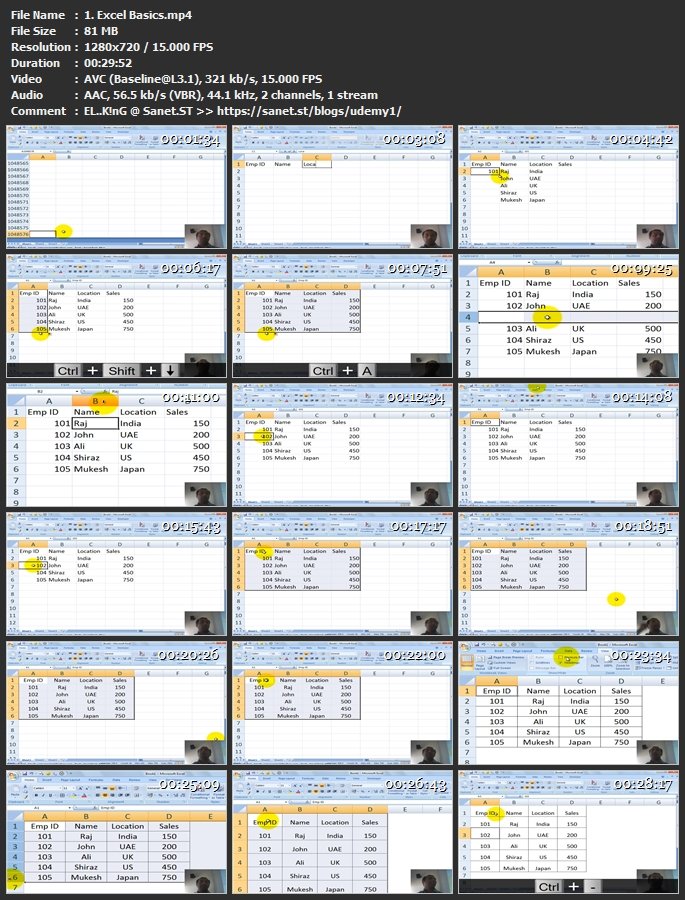
Screenshots
Homepage
Without You And Your Support We Can’t Continue
Thanks For Buying Premium From My Links For Support
Click >> Here & Visit My Blog Daily For More Udemy Tutorial. if You Need Update or Links Dead Don't Wait Just PM Me or Leave Comment at This Post
Quick check before we show the links
Helps us keep automated scrapers from hammering the filehosts.