AutoCAD web app: Taking Your Drawings Online
This post was published 7 years ago. Download links are most likely obsolete. If that's the case, try asking the uploader to re-upload.
MP4 | Video: h264, 1280x720 | Audio: AAC, 48 KHz, 2 Ch
Genre: eLearning | Language: English + .SRT | + Exercise Files
Level: Intermediate | Duration: 2h 36m | 452 MB
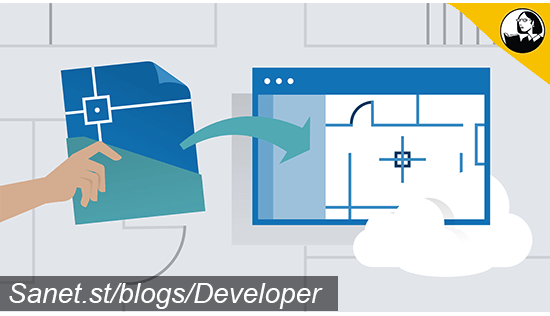
Learn how to work on your AutoCAD designs in the AutoCAD web app. Find out how to access the power of AutoCAD from your browser to create, edit, view, and annotate drawings from any device. Instructor Shaun Bryant shows how to log in, create new drawings, upload existing drawings to the cloud, and start editing your designs online. He shows how to modify objects, adjust settings, draft with commands, and use keyboard shortcuts—all the functions you would expect to find in the desktop program—while taking advantage of the new flexible, web-based workflow. Since this new app is designed to integrate with AutoCAD 2019, Shaun also shows how to take the same files back and forth between the programs, giving you the best of both worlds: portability and power.
Topics include
Logging into the AutoCAD web app
Creating and opening drawings
Using views and properties
Creating and editing layers
Adjusting settings
Drafting with commands
Editing objects
Annotating drawings
Keyboard shortcuts
Savings drawings in the AutoCAD web app
Screenshots

Quick check before we show the links
Helps us keep automated scrapers from hammering the filehosts.