Learning Lectora Inspire 2017
This post was published 8 years ago. Download links are most likely obsolete. If that's the case, try asking the uploader to re-upload.
MP4 | Video:1280x720 | Duration: 3h 55m | 445 MB
Genre: eLearning | Language: English | Skill Level: Beginner
Start creating stunning, interactive, and responsive elearning courses with Lectora Inspire. In this course, instructor David Rivers shows you how to get up and running with Lectora Inspire, the suite of rapid elearning authoring tools. Learn how to set up a new title by designing it from scratch, using the wizards, or importing a PowerPoint presentation. Then learn how to add text, tables, graphics, and video; apply new page layouts and themes; use effects; add branching and interactivity with actions; and build quizzes and surveys. Finally, discover how to publish your title so it can be viewed on the web, or in a SCORM-, AICC-, or xAPI-compliant format for learning management systems.
Topics include
Creating new titles
Adding pages
Editing and formatting text
Inserting shapes, images, audio, and video
Applying themes and page transitions
Adding actions
Building texts and quizzes
Publishing a Lectora title
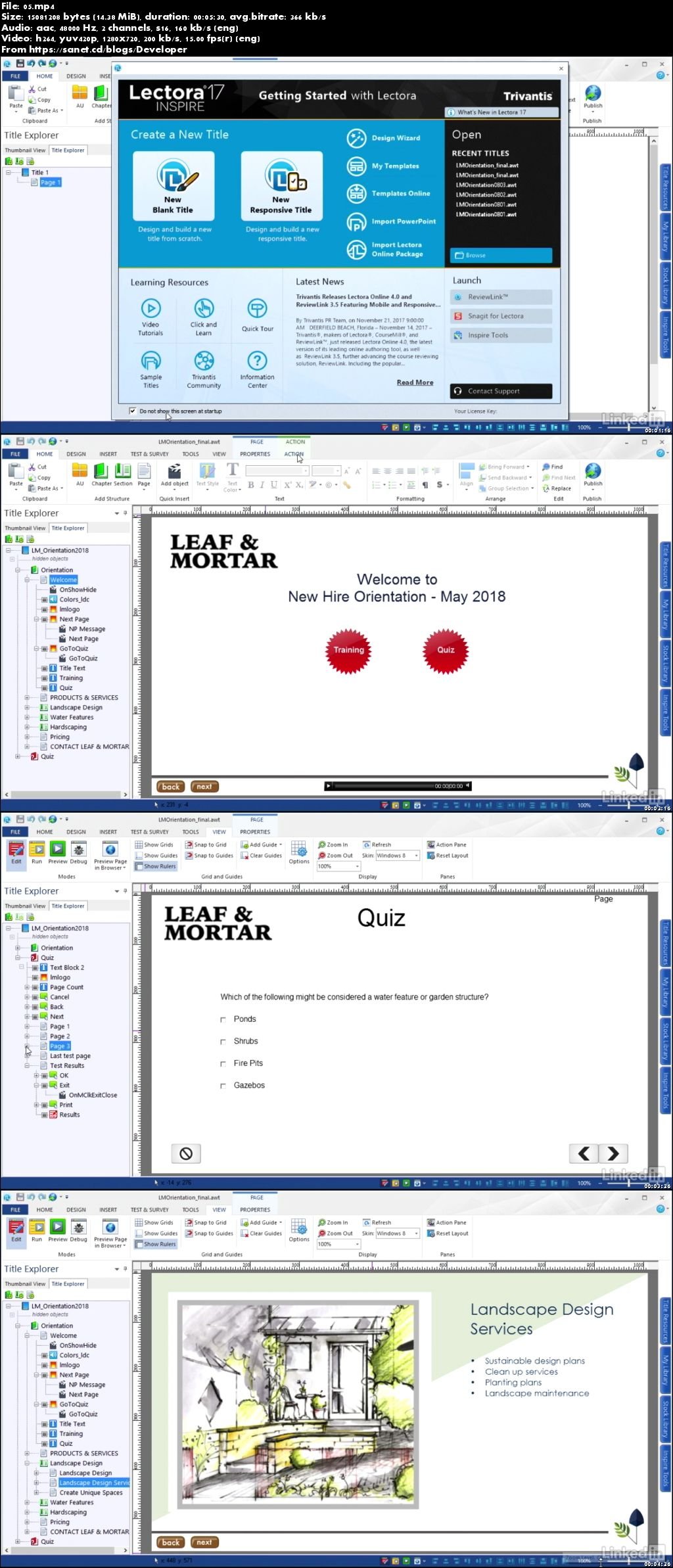
Screenshots
Quick check before we show the links
Helps us keep automated scrapers from hammering the filehosts.