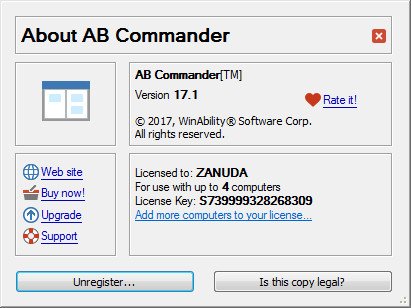
AB Commander v17.1
This post was published 9 years ago. Download links are most likely obsolete. If that's the case, try asking the uploader to re-upload.

File size: 4.2 MB
AB Commander™ is a dual-panel file manager and Windows Explorer replacement that you can use to work with two different folders at the same time, side by side, and perform operations with files and folders quickly and efficiently. In addition to the regular file management operations, it includes a built-in file splitter, folder synchronizer, image viewer with the slideshow capabilities, full-featured text editor and more.
AB Commander offers a rich set of tools for navigating your computer and managing files. You can save time by using the quick access tools such as drive bar, history and favorites lists, customizable toolbars and keyboard shortcuts. You will also appreciate the power tools such as the built-in command line, commands to filter, compare, and synchronize the contents of folders, support for the regular, virtual, and compressed folders through the same unified interface, and more.
Once you start using AB Commander, you'll never want to use Windows Explorer again.
Release Notes
The version numbering has been changed to the "Ubuntu" style. So, for example, version 17.1 means it was released in January of 2017.
The Go to folder command can now navigate to the folder that holds the Windows Spotlight images.
The Resize images command now let's you select one of three resizing methods: fast, bilinear, or bicubic.
Several other minor improvements and corrections have been made.
Screenshots
Homepage
Quick check before we show the links
Helps us keep automated scrapers from hammering the filehosts.