Windows 7 games for Windows 10
This post was published 10 years ago. Download links are most likely obsolete. If that's the case, try asking the uploader to re-upload.
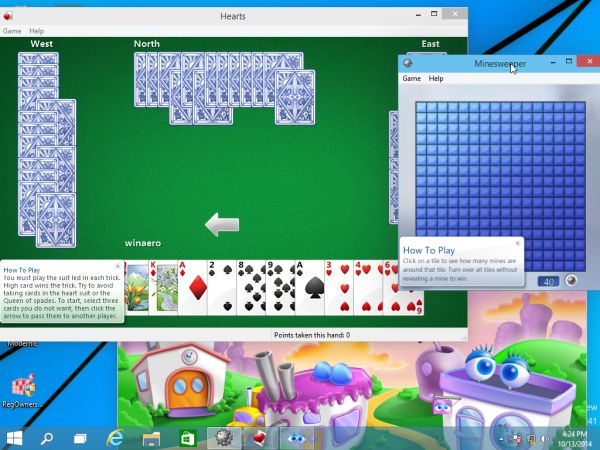
Windows 7 games for Windows 10 | 171 Mb
Windows 7 had a set of nice, beautiful games including the classic card games with new shiny graphics and some great new games from Vista like Chess Titans, Mahjong Titans and Purble Place. For some reason, Microsoft decided to discontinue these games and offers bloated Modern games from the Store instead. For fans of the original Windows 7 games, here is a simple tutorial to revive them on Windows 10.
To get all games from Windows 7 working in Windows 10, you need to do the following
1. Get the ZIP archive with Windows 7 Games.
2. Unpack and execute the Win7GamesForWin10-Setup.exe file.
3. Follow the installation wizard and select the desired games you want to get in Windows 10.
You are done! Go to the Start menu and play your favorite games now.
That's it. Now you have games from Windows 7 in Windows 10.