Tracking in After Effects
This post was published 6 years ago. Download links are most likely obsolete. If that's the case, try asking the uploader to re-upload.
MP4 | Video: h264, 1280x720 | Audio: AAC, 48 KHz, 2 Ch | Duration: 3h 5m
Genre: eLearning | Language: English + Sub | Size: 1,03 GB
Tracking is an art and a science. It involves locating a point or object in your footage as it moves from frame to frame. The resulting data can be used to stabilize footage or solve camera movement. After Effects provides many powerful tracking tools, allowing you to focus on the creative rather than the technical aspects of your job. This project-based course reviews all the different methods for tracking inside After Effects: one- and two-point tracking, mask tracking, camera tracking, facial tracking, and planner tracking in Mocha AE. Instructor Eran Stern explains which scenario each tool is best suited for, and helps you use your tracking data for specific purposes—effects, rotoscoping, compositing, and more—and render the results.
Topics include:
Motion tracking
One-point tracking
Applying tracking data to effects
Mask tracking with the After Effects Mask Tracker
Two-point tracking
Warp stabilization for tracking
Planner tracking
3D camera tracking
Homepage
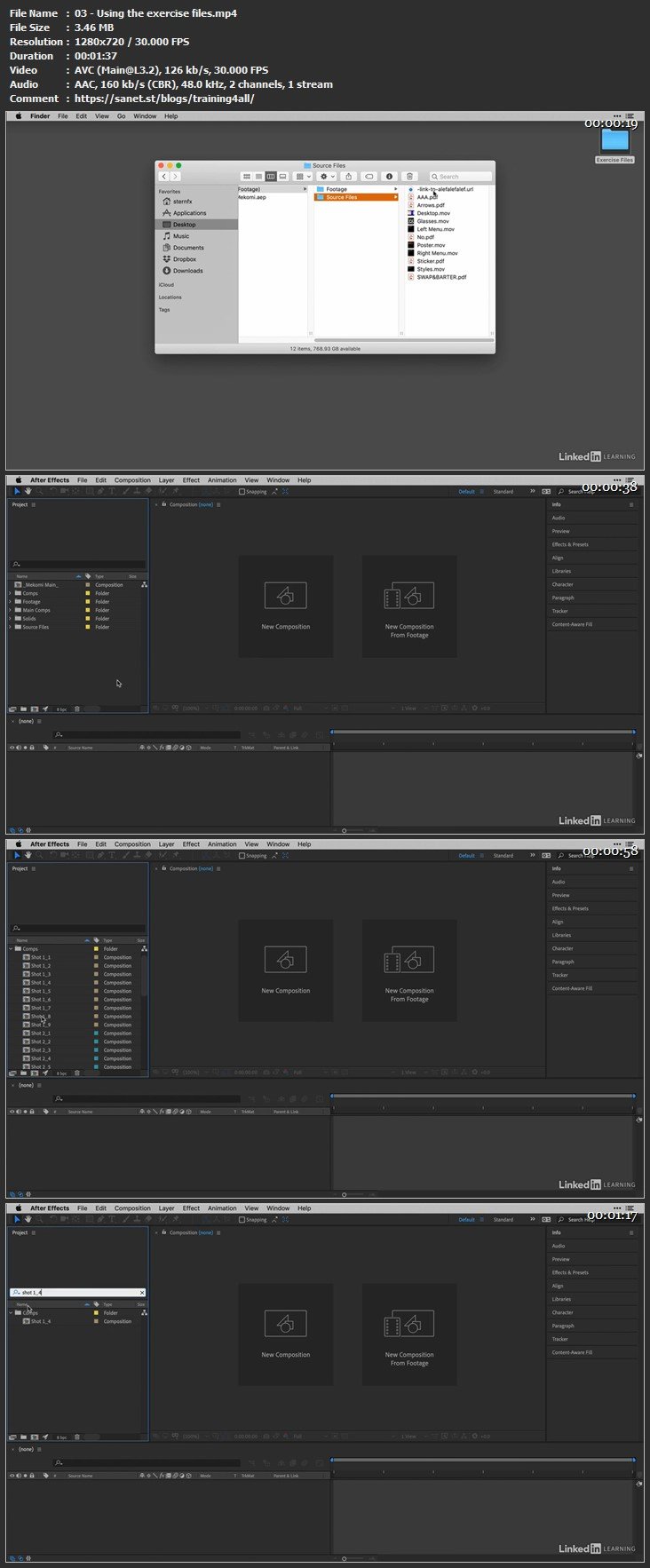
Screenshots
Please check my blog to get more stuff every day!Newest course ==>> Training for all <<== Newest course
Huge book blog ====>> Books <<==== Huge book blog
Latest OS ===>> Share for Progressive <<=== Latest OS
Best Graphics ===>> GraphicsNo1 <<=== Best Graphics
Quick check before we show the links
Helps us keep automated scrapers from hammering the filehosts.