Publisher Essential Training (Office 365)
This post was published 6 years ago. Download links are most likely obsolete. If that's the case, try asking the uploader to re-upload.
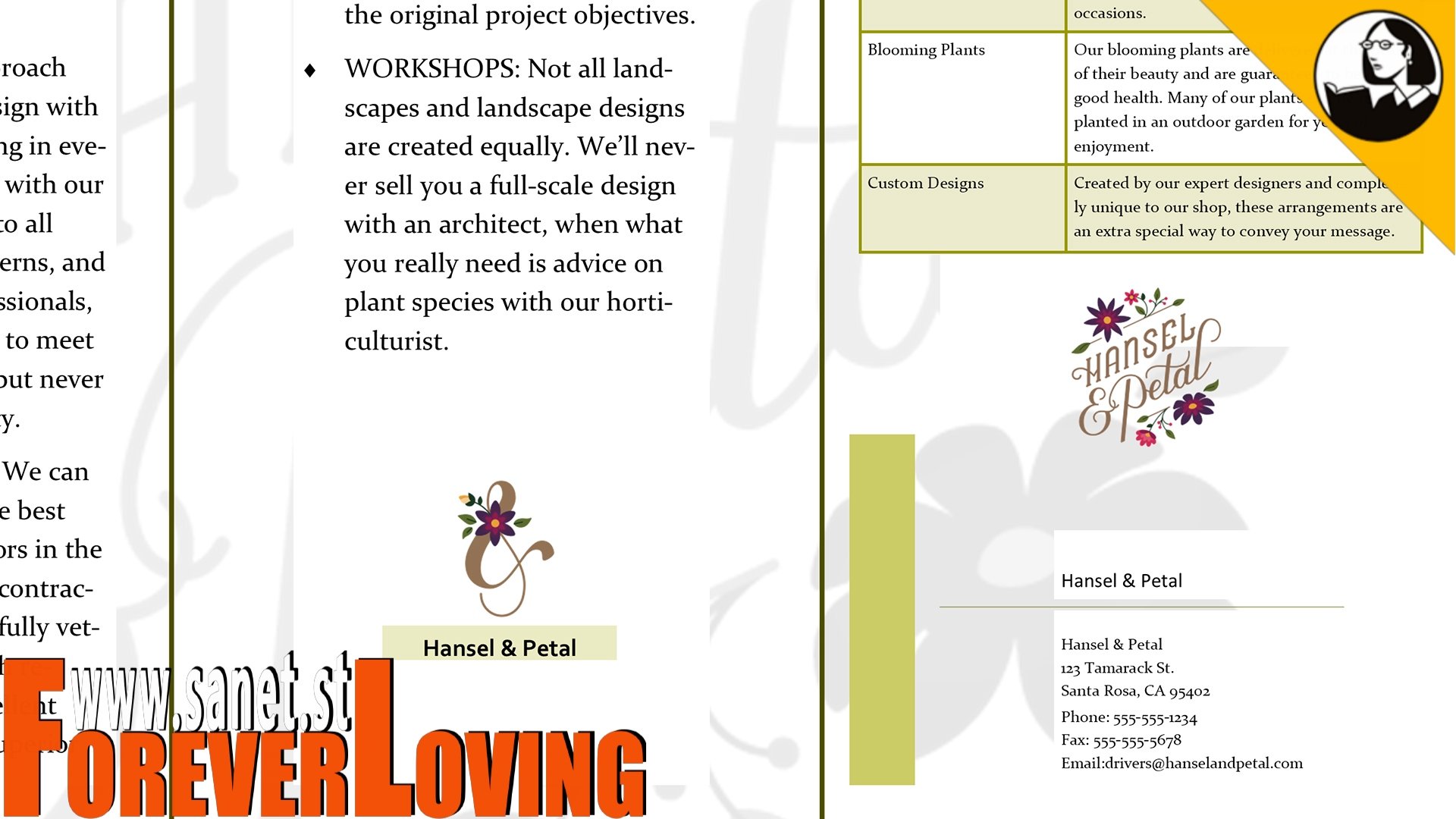
MP4 | Video: AVC, 1280x720 30 fps | Audio: AAC, 48 KHz, 2 Ch | Duration: 2h 16m
Skill Level: Beginner | Genre: eLearning | Language: English + Subtitles | Size: 665 MB
Follow along with instructor David Rivers as he demonstrates how to use the core features and tools in Publisher, the desktop publishing and layout app from Microsoft. David utilizes a real-world project, and begins by showing how to work with text frames, the basic building blocks of a Publisher file. Next, he demonstrates how to format and edit text; insert and position shapes, pictures, and tables; and customize the layout and design of publications. Dave also shows how to share your publications in print, by email, or online.
Topics include:
Starting a new document
Working with text
Working with objects
Working with graphics
Working with tables
Customizing layout and design
Printing and sharing publications
Homepage
Screenshots

Bookmark my blog to get more stuff every day!
Newest course ==>> Training for all <<== Newest course
Latest OS ===>> Share for Progressive <<=== Latest OS
Huge book blog ====>> Books <<==== Huge book blog
Quick check before we show the links
Helps us keep automated scrapers from hammering the filehosts.