Excel Statistics and Finance Function Playbook
This post was published 6 years ago. Download links are most likely obsolete. If that's the case, try asking the uploader to re-upload.
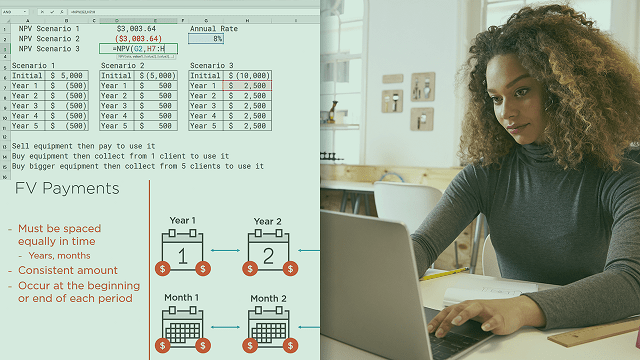
Genre: eLearning | MP4 | Video:AVC 1280 x 720| Audio: AAC 48.0 KHz
Language: English | Size: 170 MB | Duration: 1h 26m
Save time and reduce errors by using the right functions in Excel. Statistics and finance functions can help you make quick work of reports and evaluations. Learn by example how to use the SUMIFS, AVERAGEIFS, COUNTIFS, NPV, FV, and PV functions.
Excel is used for many jobs, and while you can invent all of your own functions, knowing how to use the built-in functions can save you time and frustration. In this course, Excel Statistics and Finance Function Playbook, you will get an in-depth look at common statistics and finance functions in Excel. First, you will learn the SUMIFS, AVERAGEIFS, and COUNTIFS functions. Next, you will discover the NPV, FV, and PV functions. Finally, you will explore how to apply these functions in various real-life scenarios. When you’re finished with this course, you will have the skills and knowledge of excel statistics and finance functions needed to create accurate reports and compare financial scenarios. Software required: Excel
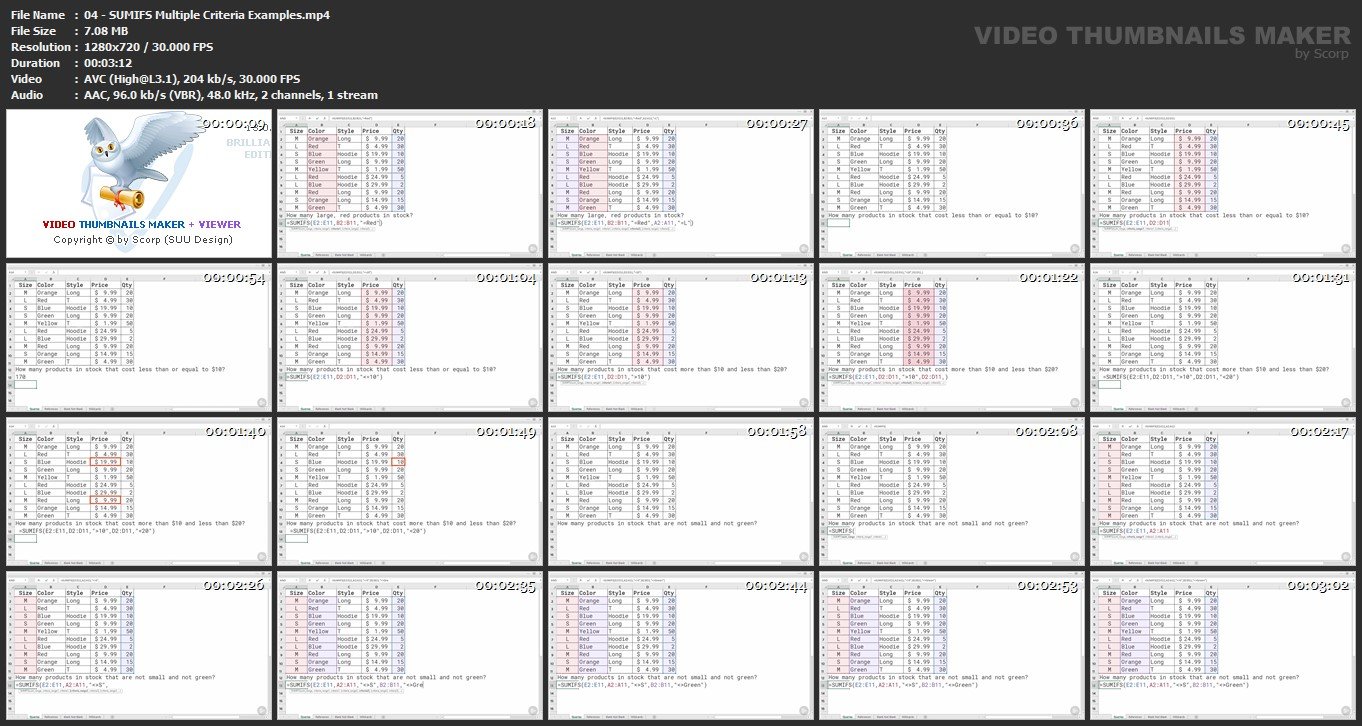
Screenshots
Quick check before we show the links
Helps us keep automated scrapers from hammering the filehosts.