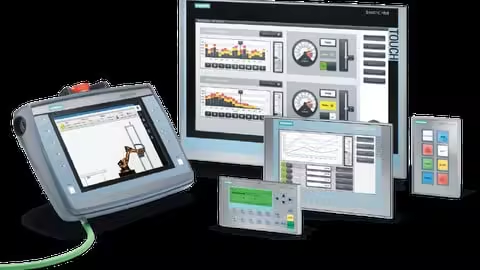
Hmi Fundamentals And Beyond: Siemens Hmi Training Tia V20
Published 7/2025
MP4 | Video: h264, 1920x1080 | Audio: AAC, 44.1 KHz
Language: English | Size: 1.13 GB | Duration: 1h 57m
Learn to program Siemens HMI panels with TIA portal V20, create designs, implement and develop
What you'll learn
Understand HMI fundamentals, roles in automation, and basic operating principles, recognizing diverse hardware/software types
Design effective HMI screens, visualize data clearly,
Integrate HMIs with PLCs, enabling data exchange for efficient machine/process control and monitoring.
Identify and resolve common HMI issues, perform basic troubleshooting, ensuring system uptime and reliability.
Requirements
To take this training, it is sufficient to have basic PLC knowledge.
Description
HMI Essentials & Beyond: Comprehensive Basic to Intermediate TrainingThis comprehensive training program, "HMI Essentials & Beyond," is meticulously designed for individuals looking to build a strong foundation in Human-Machine Interface (HMI) systems and progressively advance their skills to an intermediate level. Whether you're a beginner eager to understand the core concepts of industrial automation interfaces or an aspiring technician aiming to enhance your proficiency, this course offers a structured learning path.Participants will start by exploring the fundamental principles of HMI design and operation, including an introduction to common HMI software platforms and hardware components. We'll delve into topics such as screen navigation, data display, alarm management, and user input mechanisms, equipping you with the essential knowledge to confidently interact with and interpret HMI systems in various industrial settings.As the course progresses, we'll transition into intermediate HMI applications and advanced functionalities. You'll learn how to develop more complex HMI screens, integrate with Programmable Logic Controllers (PLCs), create interactive controls, and implement basic data logging and trending. The curriculum emphasizes practical, hands-on exercises and real-world scenarios, allowing you to apply theoretical knowledge immediately. Our goal is to empower you to not only operate existing HMI systems efficiently but also to design and troubleshoot basic to moderately complex HMI projects. By the end of this training, you will possess the critical skills necessary to contribute effectively to modern industrial automation environments, bridging the gap between machines and human operators with enhanced precision and control.
Overview
Section 1: Giriş
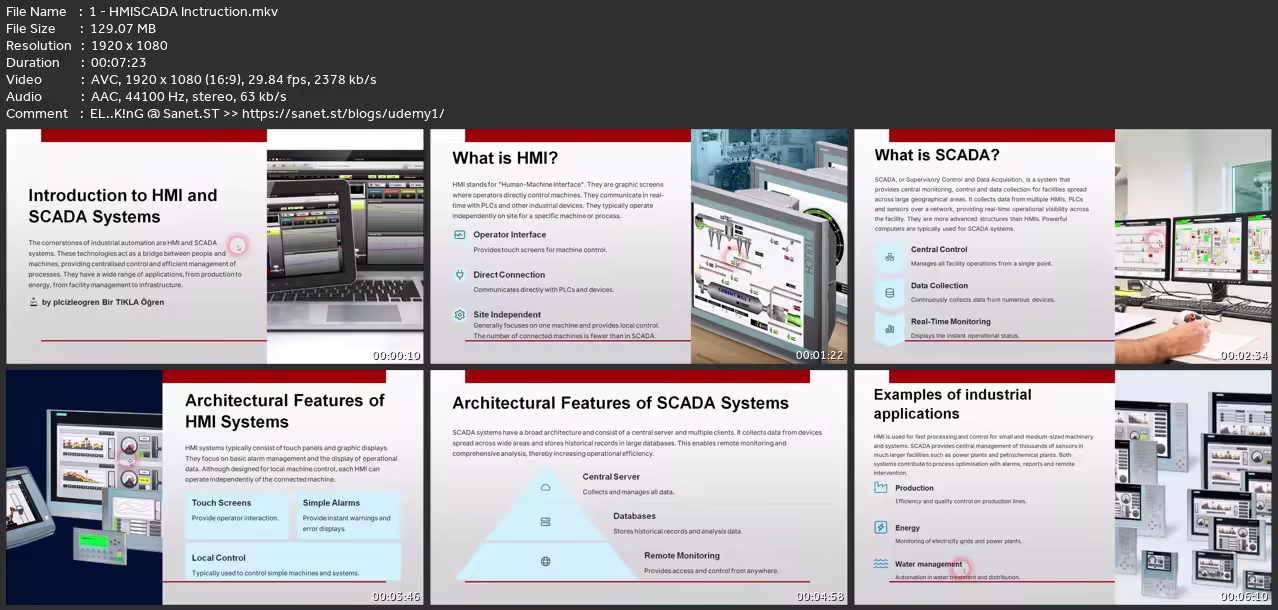
Lecture 1 HMI-SCADA Inctruction
Lecture 2 2. HMI Panel Tecnical Data
Lecture 3 3. Create HMI Project & Use Menus
Lecture 4 4.Create Screens1
Lecture 5 5.Create Screens
Lecture 6 6.Create Templates
Lecture 7 7.Downlaod Program to HMI & programmig menus
Lecture 8 8.Add Button & Start Motor
Lecture 9 9 Add Switch & Start Motor
Lecture 10 10.Flash Button, Change Color , IO Add IO Field
Lecture 11 11. Invisible Button, Symbol Button, Symbolic IO Fiedl, Picture Button
Lecture 12 12. Add Rotary Switch, Layers, Grafic Library
Lecture 13 13. Change HMI Model& Redesign
Lecture 14 14.Monitoring running system,Flash, Color,text
This course is ideal for all students, engineers, technicians and anyone who wants to learn
without You and Your Support We Can’t Continue
Thanks for Buying Premium From My Links for Support
Click >>here & Visit My Blog Daily for More Udemy Tutorial. If You Need Update or Links Dead Don't Wait Just Pm Me or Leave Comment at This Post
Quick check before we show the links
Helps us keep automated scrapers from hammering the filehosts.