Building User Interfaces With R Shiny, Html, Js And Css
Published 7/2025
MP4 | Video: h264, 1920x1080 | Audio: AAC, 44.1 KHz
Language: English | Size: 1.37 GB | Duration: 2h 33m
Learn how to improve your Shiny applications by implementing HTML, JS and CSS
What you'll learn
Understand the relationship and differences between Shiny and classic web development
Manipulate HTML tags from R to create custom layouts
Use CSS and JavaScript to design outstanding Shiny applications
Learn how to use HTMLQuery and JQuery
Requirements
Understanding of Shiny
Knowledge of HTML, CSS and JavaScript (Optional)
Description
This is a comprehensive course on R Shiny that integrates some powerful web technologies like HTML, CSS, and JavaScript. If you're an R developer looking to elevate your Shiny apps, this is the perfect opportunity to take your skills to the next level!This hands-on course starts with the essentials of web development. You'll learn the building blocks of HTML, how to inspect web pages, and understand how CSS and JavaScript work together. Plus, you'll get to explore the htmltools package, which allows you to create and manipulate HTML elements directly within R. It’s all about seamless integration for a more dynamic experience!One thing about this course is that it dives deep into important topics like managing dependencies in your Shiny apps and mastering CSS for a polished user interface. You'll gain practical skills in writing selectors, including stylesheets, and customizing UI components, all of which make your applications more engaging.And let's not forget about JavaScript! The course introduces you to the fundamentals, covering everything from variables and functions to event handling. You'll learn how to add interactive behaviors to your apps using both native JavaScript and the jQuery library, which is super handy.By the end of it, you'll have the skills to create visually stunning, highly interactive Shiny applications, all while staying within the R environment. Whether you're looking to develop dashboards, prototypes, or professional web apps, this course is packed with practical knowledge that you can apply right away.
Overview
Section 1: Web Development Foundations
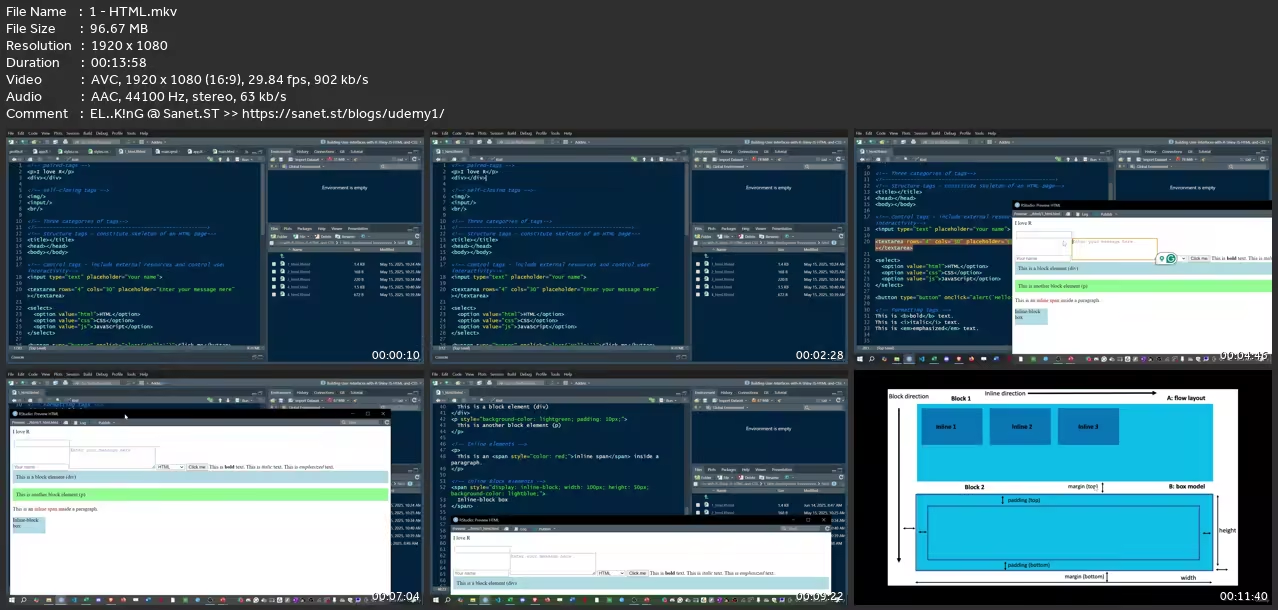
Lecture 1 HTML
Lecture 2 Inspecting the Web
Lecture 3 CSS and JavaScript
Section 2: htmltools
Lecture 4 Writing HTML tags in R
Lecture 5 Modern htmltools
Section 3: Shiny Dependencies
Lecture 6 Handling HTML dependencies
Lecture 7 Web Development Concepts
Section 4: CSS in Shiny
Lecture 8 How to include CSS
Lecture 9 CSS Selectors
Lecture 10 Best Practices
Lecture 11 CSS Properties
Section 5: JavaScript Basics
Lecture 12 JS Setup
Lecture 13 Types
Lecture 14 Variables
Lecture 15 Conditions
Lecture 16 Objects
Lecture 17 Arrays
Lecture 18 Iterations
Lecture 19 Functions
Lecture 20 Event Listeners and Export/Import
Section 6: jQuery
Lecture 21 Syntax
Lecture 22 Functions
Lecture 23 Iteration
Lecture 24 Events
Lecture 25 Extending objects
Section 7: Resources
Lecture 26 Resources
Experienced Shiny users who want to make their Shiny apps look more professional
without You and Your Support We Can’t Continue
Thanks for Buying Premium From My Links for Support
Click >>here & Visit My Blog Daily for More Udemy Tutorial. If You Need Update or Links Dead Don't Wait Just Pm Me or Leave Comment at This Post
Quick check before we show the links
Helps us keep automated scrapers from hammering the filehosts.