Learn Java Debugging using VS Code
Last updated 11/2025
Created by Learning From Experience, Ayan Dutta
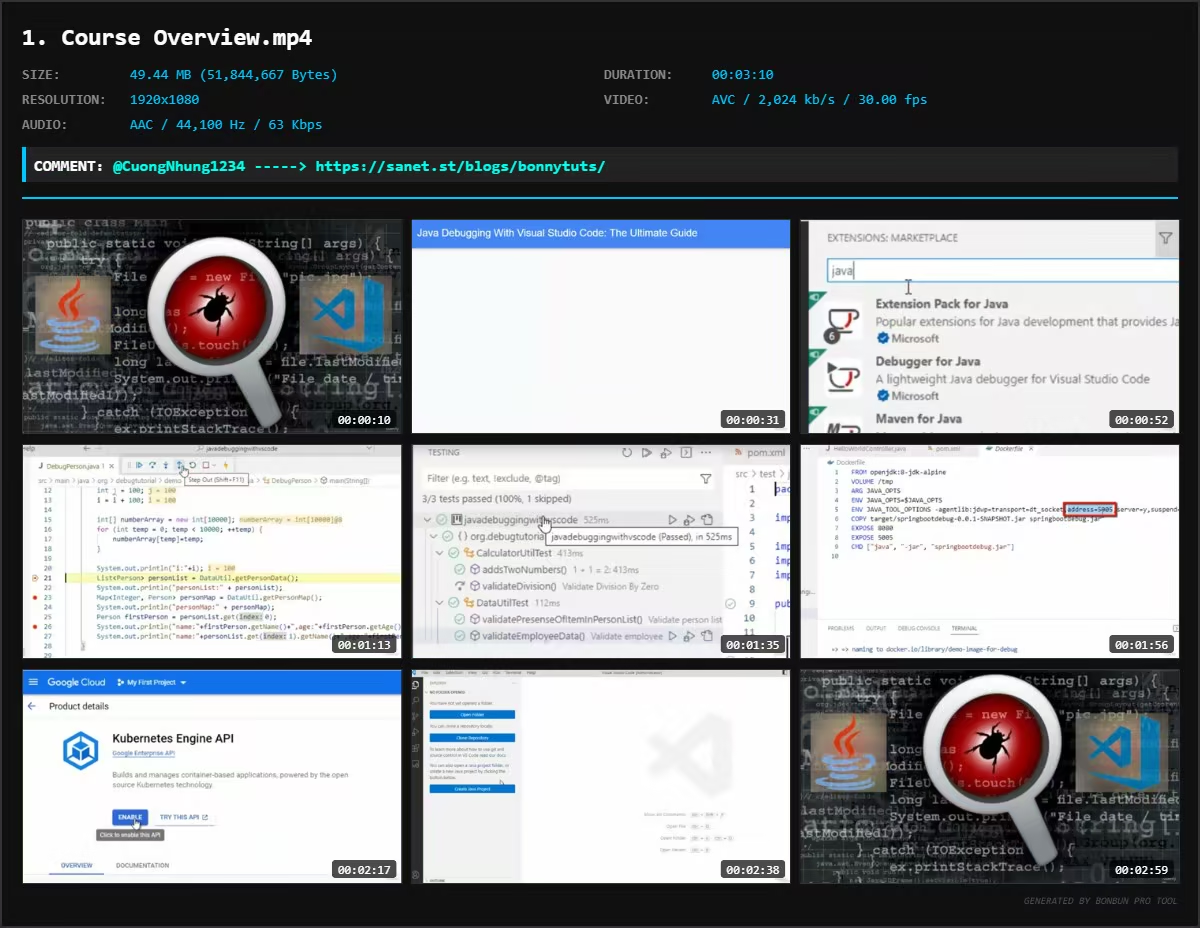
MP4 | Video: h264, 1920x1080 | Audio: AAC, 44.1 KHz, 2 Ch
Level: Intermediate | Genre: eLearning | Language: English + subtitle | Duration: 66 Lectures ( 5h 35m ) | Size: 4.3 GB
Become a Java Debugging Pro: Learn Java Debugging using VS Code
What you'll learn
⚡ Basic and advanced setup and configuration is VS Code to run and debug Java applications
⚡ Learn all the required skills to debug any Java application using VS Code (Visual Studio Code)
⚡ Master the techniques to quickly find out the root cause of the bug in a Java program
⚡ Time-saving tips on how to efficiently debug and troubleshoot java programs with VS Code (Visual Studio Code)
Requirements
❗ Basics of Java
DescriptionDisclaimer: This course requires you to download Docker Desktop from its official website. If you are a Udemy Business user, please check with your employer before downloading software.
VS Code (Visual Studio Code)is quickly becoming of the most popular IDEs used for Java programming.
This course is an entirely hands-on and an example-based comprehensive course, which would guide you to learn and master the essentials of Java Debugging using the popular VS Code (Visual Studio Code) Editor
Powerful Debugging Skill at Your Fingertips
Debugging Java applications can be a frustrating and time-consuming process, but it doesn't have to be. With this comprehensive course on Java debugging with Visual Studio Code (VS Code), you'll learn the tips, tricks, and best practices that experts use to quickly identify and solve bugs in their code.
By the end of this course, you'll have a deep understanding of Java debugging with Visual Studio Code, and be able to confidently troubleshoot and fix bugs in your own Java applications. Whether you're a beginner or an experienced developer, this course will provide you with the skills and knowledge you need to take your debugging skills to the next level.
Content and Overview
The entire course is broken down into the following categories
✨ Basic Debugging Features
✨ Advanced Debugging Features
✨ Simple Debugging Problem Scenarios and Hands-on Solutions
✨ Advanced Debugging Problem Scenarios and Hands-on Solutions
The Basic Debugging Features covered
✨ How to place breakpoints and run a program in debug mode
✨ How to control the program flow during Java Debugging
✨ Expression evaluation and Inspecting Variables
✨ Edit variable values without changing code
✨ Debugging Lambda and Stream based operations
✨ Use of Step Filters in Java Debugging
✨ Using Conditional Breakpoint
✨ Using Exception Breakpoint
✨ Breakpoint - Logpoints
✨ Breakpoint - Data breakpoint
✨ Run to Cursor
✨ Debugging JUnit Test Cases
✨ Local and Remote Debugging of Spring Boot Project
✨ Hot Code Replace (HCR) during Debugging
✨ Debugging Multi Module Spring Boot Maven Based Project
The Advanced Debugging Features covered
✨ Run and Debug Java Web Application in Tomcat using VS Code
✨ Debug Spring Boot application in Docker using Dockerfile
✨ Debug Spring Boot application in Docker using Docker Compose
✨ Docker Installation in Windows 10
✨ Run and Debug Java Web Application in Tomcat using VS Code
✨ Run and Debug Java Web Application in Jetty Server using VS Code
✨ Install Local Kubernetes Cluster with Docker Desktop
✨ Debug in Local Kubernetes Cluster using Cloud Code Extension
✨ How to create a GKE Cluster in GCP Cloud
✨ How to Install Cloud Code Extension in VS Code
✨ Debug in Remote GKE Cluster using Cloud Code Extension
✨ Debug in Docker Container using Remote Development Extension Pack
The course initially starts with the basics of debugging and then slowly moves to the practical aspects of debugging with easy examples. Once the primary aspects are covered, the basic and advanced debugging features of VS Code are explained.
The sections Practice Activities for Simple Debugging Problem Scenarios and Hands-on Solutionsand
Practice Activities for Advanced Debugging Problem Scenarios and Hands-on Solutions is about sample problem solving on Debugging problem scenarios by applying the debugging skills you have learned from the course.
By the end of this course, you will master the fundamentals needed for Debugging Java based applications using Visual Studio Code Editor.
Who this course is for
⭐ Any working professional/student working in Java
Welcome to My Blog - Check it Every Days
If you have any troubles with downloading, PM me
Please Buy Premium Account from my links to get high download speed and support me
Happy Learning!!
Quick check before we show the links
Helps us keep automated scrapers from hammering the filehosts.