Going Further with Git: Use Git’s Killer Feature and Unleash the Full Potential of Distributed Version Control
This post was published 5 years ago. Download links are most likely obsolete. If that's the case, try asking the uploader to re-upload.
MP4 | Video: AVC 1600 x 900 | Audio: AAC 44 Khz 2ch | Duration: 00:49:05 | 164.64 MB
Genre: eLearning | Language: English
Master what is sometimes called Git’s killer feature: distributed branching. This is a complex topic that sometimes trips up even seasoned users, so it is covered carefully at a steady pace. The specific practical topics covered are: creating branches, merging branches, and using remote branches. The principles are explained and the features are demonstrated using video examples (command-line and GUI versions presented in split screen).
As well as these practical issues, the final segments present some additional tips and advice. For one, typical strategies and workflows are explained that you may wish to apply in your own development projects. For another, a summary of more advanced features points the way to learning opportunities for you once you have mastered the intermediate skills from this video. Finally, a short discussion of GitHub introduces you to the basic features and the potential of the world’s most popular Git hosting community.
The tools for carrying out tasks in Git are demonstrated step-by-step, allowing you to see exactly how they should be carried out in real-time. Also, Git is powerful but can be a complicated system to use. For explaining the complex issues, particularly around repository history, a visual representation is developed.
What You Will Learn
Discover the principles of distributed branching
Create and merge branches
Resolve conflicts between branches
Create a clean, linear history via rebasing
Examine typical strategies and workflows used by experienced Git users
Take a brief tour of GitHub
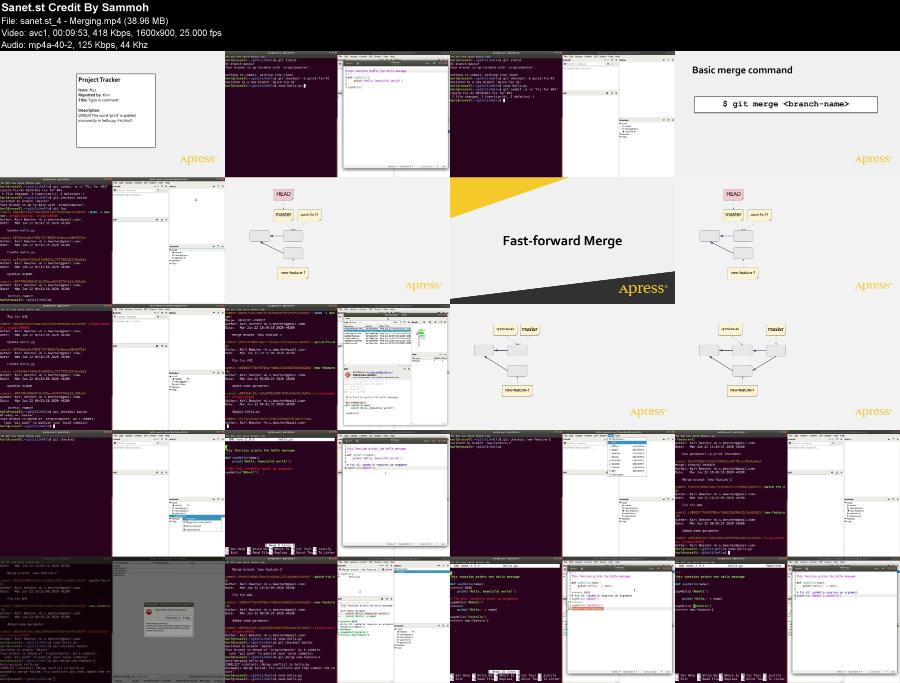
Screenshots
Quick check before we show the links
Helps us keep automated scrapers from hammering the filehosts.