Blender for Architects: Floor Plans to CAD-Style PDFs

Published 4/2026
MP4 | Video: h264, 1920x1080 | Audio: AAC, 44.1 KHz, 2 Ch
Language: English | Duration: 7h 44m | Size: 7.81 GB
Draft 2D floor plans in Blender from scratch: add dimensions, import DWG blocks, render NPR line art, export to scale
What you'll learn
Set up Blender from scratch with the right units, scale, and viewport configuration for technical 2D drafting
Draft accurate floor plans with walls, doors, windows, and openings using real-world measurements
Add professional dimension lines, room labels, and annotations that read like a CAD drawing
Import DWG blocks into Blender and build a reusable library of furniture, fixtures, and symbols
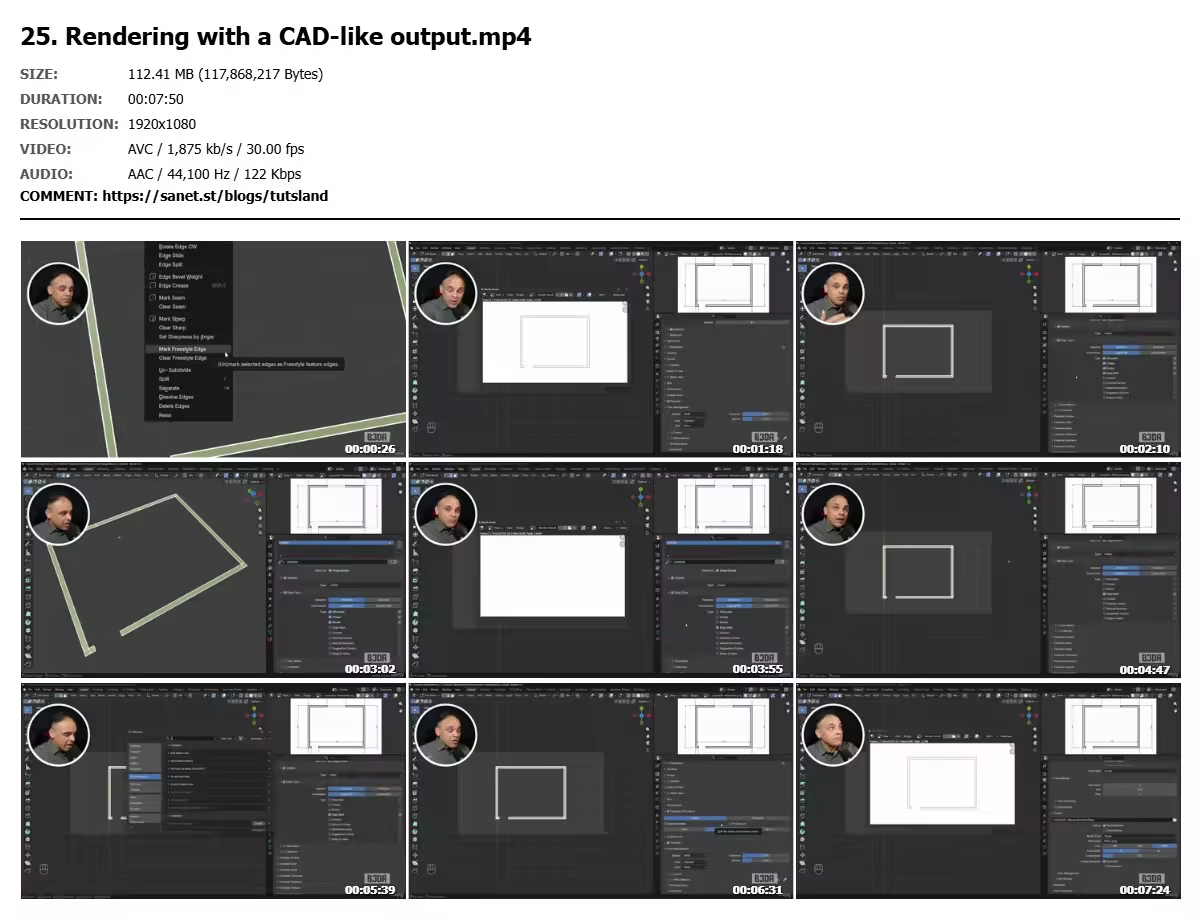
Configure NPR (non-photorealistic) rendering to produce clean line-art output instead of 3D renders
Compose a finished drawing on a paper sheet at proper architectural scale (1:50, 1:100)
Build a title block with project info, scale bar, and north arrow
Export a print-ready, scaled PDF you can hand to a client, contractor, or instructor
Requirements
No prior Blender experience needed. We start from a blank screen and cover everything you need step by step.
No CAD background required. If you've never opened AutoCAD or Revit, that's fine — basic familiarity with the idea of a floor plan is enough.
A computer running Blender 4.x or later (Windows, macOS, or Linux). Blender is free to download and runs on most modern machines from the last 5 years.
A three-button mouse is strongly recommended. Blender's navigation relies on the middle mouse button, and trackpads alone will slow you down.
Optional but helpful: a printer or PDF viewer to check your final output at scale.
Description
Draft floor plans like a CAD professional — using free software.
Most floor plan courses teach you a one-trick drag-and-drop app. This one teaches you a real production workflow inside Blender: draft to scale, annotate with dimension lines, import AutoCAD blocks for furniture and fixtures, and export a finished technical drawing on a paper sheet with a title block — all with the clean, line-art look of a CAD export.
Blender is free, runs on any modern computer, and gives you a single environment that can take a floor plan from initial sketch all the way to printable PDF and 3D visualization later. If you're an architecture student, a draftsperson, a self-taught designer, or an AEC professional curious about open-source alternatives to AutoCAD and Revit, this workshop is built for you.
No prior Blender experience required. We start from a blank screen — interface, navigation, basic modeling — and build up to a complete, dimensioned, CAD-style floor plan you can hand to a client or a contractor.
What you'll learn
• Navigate the Blender interface and master the core modeling tools you actually need for 2D drafting (we skip the sculpting, animation, and game-dev noise)
• Set real-world scale and units so every wall, door, and window measures correctly
• Draft walls, openings, doors, and windows from a reference plan
• Import AutoCAD DWG/DXF blocks into Blender and reuse them as a library of furniture and fixtures
• Add dimension lines, annotations, room labels, and a title block
• Configure Blender's NPR (non-photorealistic) rendering to output clean line art that reads like a CAD export — not a 3D render
• Compose the final drawing on a paper sheet at proper architectural scale (1:50, 1:100, etc.)
• Export a print-ready PDF ready for submission, printing, or client review
Who this course is for
Architecture and interior design students who want a free, professional alternative to AutoCAD subscriptions
Self-taught designers and draftspeople who need to produce clean, technical floor plans without paying for commercial CAD software
AutoCAD, Revit, and SketchUp users curious about what Blender can add to their AEC workflow — especially the NPR rendering pipeline
AEC professionals exploring open-source toolchains for small projects, side work, or client presentations
Hobbyists and homeowners designing renovations, additions, or new builds who want measured, scaled drawings rather than cartoon-style room planners
Blender users from the 3D/animation side who want to apply the software to real architectural drafting work
Quick check before we show the links
Helps us keep automated scrapers from hammering the filehosts.