Kinetic Typography in After Effects: Motion Graphics Course
This post was published 7 years ago. Download links are most likely obsolete. If that's the case, try asking the uploader to re-upload.
Udemy / Phil Ebiner | Duration: 1 h 24 m | Video: H264 1920x1080 | Audio: AAC 48 kHz 2ch | 354 MB | Language: English + .vtt | 2018
Start creating your own kinetic typography videos, titles, and motion graphics in Adobe After Effects in just minutes!
Kinetic typography is everywhere nowadays - in films, commercials, music videos, online courses. This 'motion typography' makes your videos look more professional and engaging. While it seems complicated, creating your own kinetic typography videos in Adobe After Effects is quite simple when broken down into the basic animations that are actually happening.
That's what this course is all about - breaking down a complicated motion graphics video, and teaching you how to animate each type of text animation.
• Use traditional cuts to introduce new words
• Reveal text with scale and position animation
• Rotate and flip text onto the screen
• Revolve text onto the screen (like they do in so many commercials!)
• Improve animations with motion blur, easy ease, and graph editing
• Export and upload your videos
• Much more!
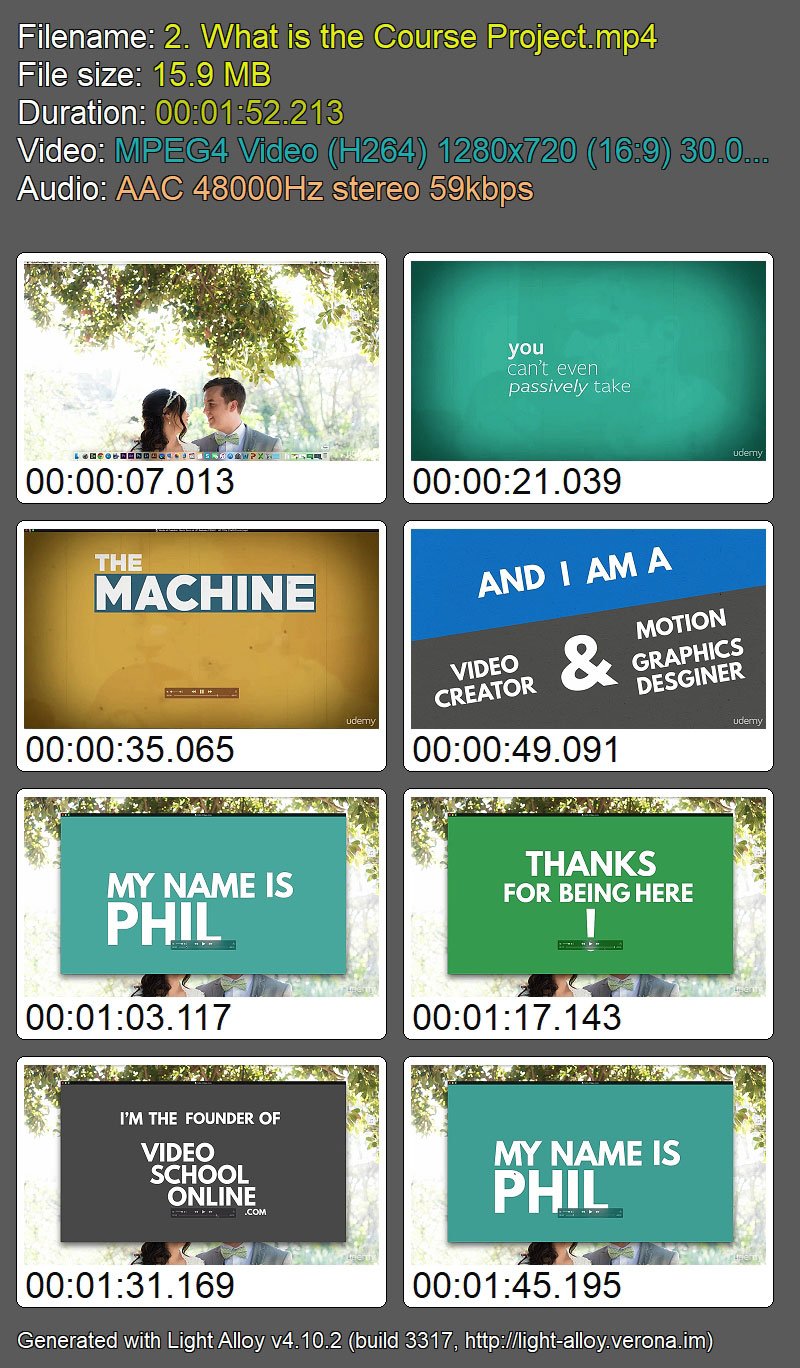
Screenshots
Quick check before we show the links
Helps us keep automated scrapers from hammering the filehosts.