Killer Tips In Unity 5, Volume 1
This post was published 7 years ago. Download links are most likely obsolete. If that's the case, try asking the uploader to re-upload.

Alan Thorn | Duration: 0 h 53 min | Video: H264 1280x720 | Audio: AAC 44,1 kHz 2ch | 352 MB | Language: English | 2017
Killer Tips and Tricks for Unity 5 is a tour of bite-sized workflows designed to enhance your game development workflow in Unity 5. In this course aimed at intermediate users, Alan Thorn explores ten creative ways to work with Unity. Learn how to batch rename objects easily, save data to persistent storage for creating save-states, and handle events with visual scripting to customize how your games behave effectively. In addition, explore detailed secrets of the object inspector for controlling variable visibility and simplifying the debugging process. Plus, revisit the world of mouse picking, syncing audio with animation, creating split-screen games, and working with gizmos. You’ll also see how to optimize 2D rendering and how to create a code-less mini-map! Over the course of ten in-depth tips, you’ll see interesting and fun ways to increase your productivity. By the end of the course, you’ll have established a solid grounding in effective strategies for building games easily and optimally.
Screenshots
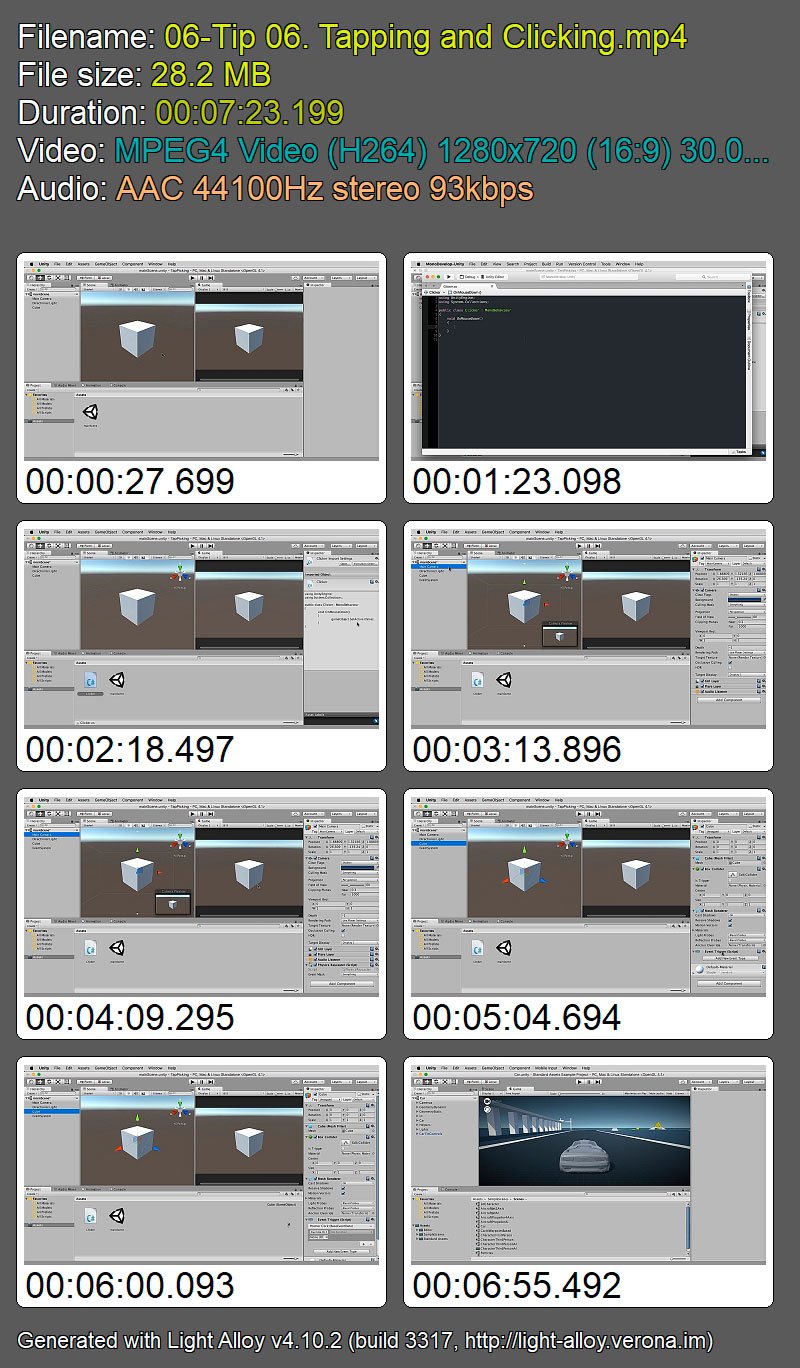
Quick check before we show the links
Helps us keep automated scrapers from hammering the filehosts.