Learning Creative Cloud Libraries
This post was published 7 years ago. Download links are most likely obsolete. If that's the case, try asking the uploader to re-upload.
MP4 | Video: h264, 1280x720 | Audio: AAC, 48 KHz, 2 Ch
Genre: eLearning | Language: English + .SRT
Level: Appropriate for all | Duration: 1h 8m | 200 MB
Creative Cloud Libraries allow you to access your assets anywhere—from any device. This course shows how to collect and organize images, colors, text styles, and other elements created in various Creative Cloud desktop and mobile apps into CC Libraries, and share those assets between applications. Learn about the CC ecosystem and the libraries in Photoshop, InDesign, After Effects, Animate, Capture, Dimension, and more. Plus, discover how to share and search libraries and use libraries as a collaboration tool for your whole design team.
Topics include
Creating and deleting libraries
Exporting and importing libraries
Using libraries in different CC apps
Creating groups
Searching for assets
Collaborating with CC Libraries
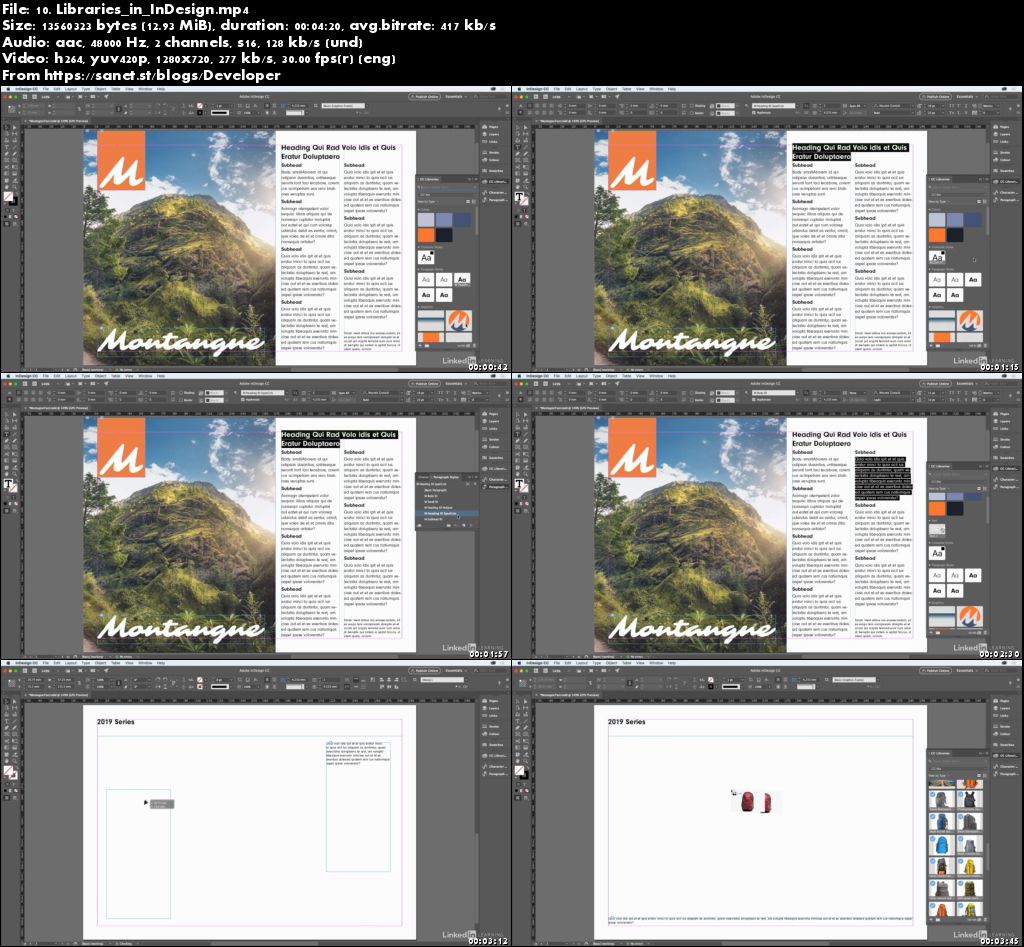
Screenshots
Quick check before we show the links
Helps us keep automated scrapers from hammering the filehosts.