Camtasia Quick Tips
This post was published 7 years ago. Download links are most likely obsolete. If that's the case, try asking the uploader to re-upload.

MP4 | Video: h264, 1280x720 | Audio: AAC, 48 KHz, 2 Ch
Genre: eLearning | Language: English + .SRT | + Exercise Files
Level: Intermediate | Duration: 23m 1s | 69.63 MB
Get quick tips to increase your efficiency and the quality of training you create in Camtasia. This course is a collection of short videos to help you get the most value from this popular screen capture program. There are over 25 tips on topics from streamlining workflows to leveraging hidden features like slow motion and custom watermarks. Corbin Anderson also helps you make your training more engaging with custom animation and artwork, become more efficient by reusing content from PowerPoint, and make Camtasia even easier to use by adjusting the settings to suit your instructional design workflow. Plus, learn how to save valuable time using hotkey shortcuts.
Topics include
Drawing attention to an area
Creating custom thumbnails
Using PowerPoint slides in Camtasia
Adjusting animation easing
Changing the cursor
Creating a custom device frame
Locking layers
Saving time with hotkeys
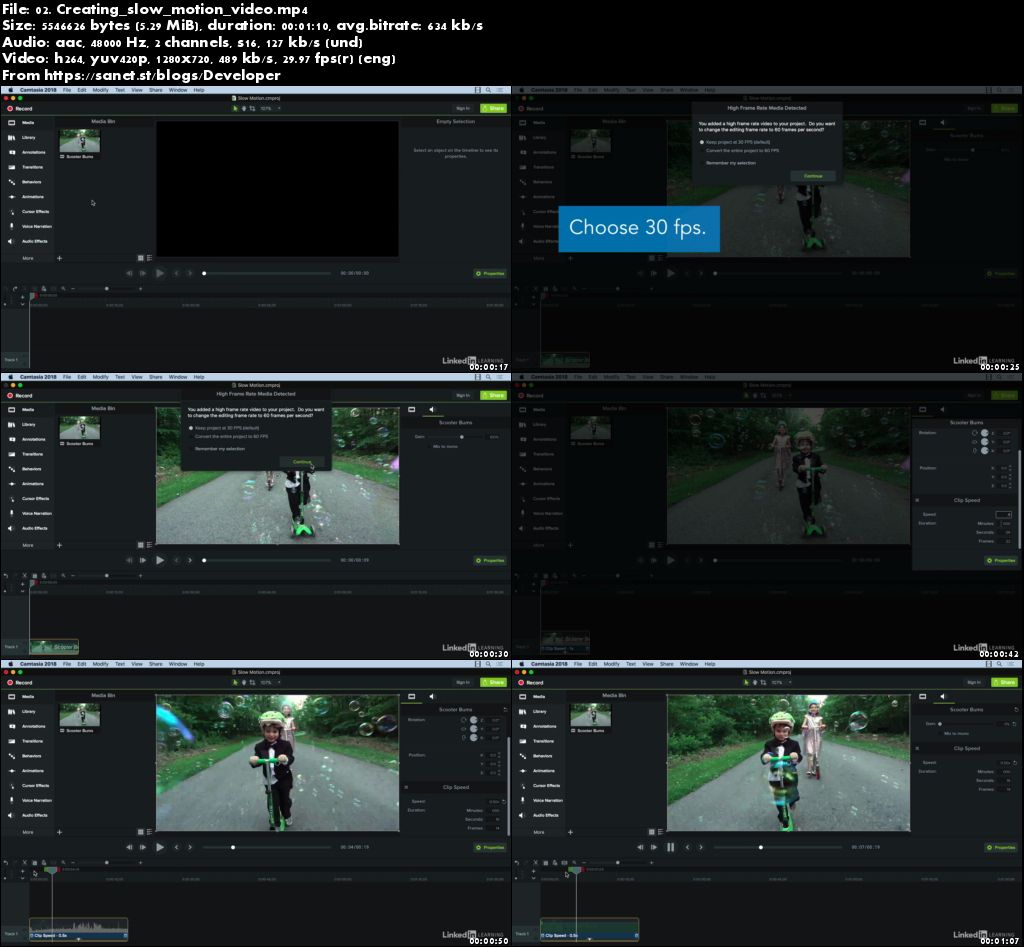
Screenshots
Quick check before we show the links
Helps us keep automated scrapers from hammering the filehosts.