3DMotive: Dreadnought Modeling Volume 1
This post was published 7 years ago. Download links are most likely obsolete. If that's the case, try asking the uploader to re-upload.

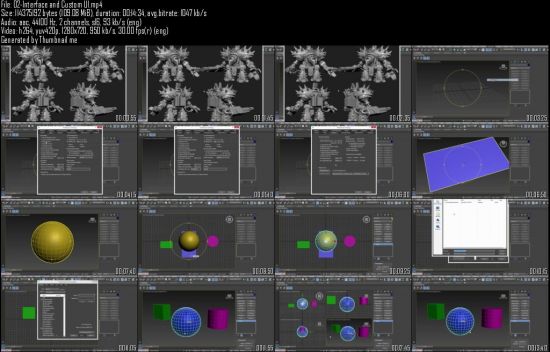
avg.bitrate: 1047 kb/s
Audio: aac, 44100 Hz, 2 channels, s16, 93 kb/s (eng)
Video: h264, yuv420p, 1280x720, 950 kb/s, 30.00 fps(r) (eng)
Size: 1.4 GB
Often, creating a hard surface model can be a bit tedious as well as being unfamiliar and intimidating. To create a better workflow, one needs to know and understand the advantages of using as many shortcuts as possible so that one isn't spending an overly long amount of time creating meshes. A smart workflow can become your best friend as well as something you'll use throughout your career. Shortcut hotkeys are an integral component of working smart, not hard.
Understanding methodologies help you to understand when best to use shortcuts and how to use them efficiently. There are tools hidden in 3DS Max that help facilitate the speed at which you can model and the Dreadnought Modeling Series is designed to help you access them. Using such tools as symmetry can help the artist visual how the whole mesh is looking while literally only working on a single half of the model. Swift loop is another extremely handy tool to use to help easily add edge loops into the meshes. By creating custom shortcut hotkeys that the artist designs for themselves is a boon to the workflow in creating a solid design and, ultimately, a proper mesh.
Screenshots
Quick check before we show the links
Helps us keep automated scrapers from hammering the filehosts.