Lynda - Adobe Pen Tool: Mastery
This post was published 7 years ago. Download links are most likely obsolete. If that's the case, try asking the uploader to re-upload.
MP4 | Video: AVC 1280x720 | Audio: AAC 48KHz 2ch | Duration: 6H 53M | 1.69 GB
Genre: eLearning | Language: English
Become more proficient with the Adobe Pen tool by learning advanced techniques, including the proper way to create Bezier curves. In this course, Deke McClelland takes a deep dive into the intricacies of this Adobe standby, and helps bolster your expertise by explaining its mechanics and features. Deke starts off by discussing Bezier curves in anatomical detail—all the way down to their anchor points, control handles, and segments. In addition, he explains the difference between constrained and unconstrained path dragging, and shows how to create smooth and cusp points. Next, he explains how curves really work, providing their mathematical underpinnings. He then gives you an advanced look at how pen functionality works across the three main graphic design programs in the Creative Cloud suite: Photoshop, Illustrator, and InDesign.
Topics include:
Creating and editing Bezier curves
Drawing in Illustrator
Working with a vector-based shape layer
Tracing a complex image with the Pen tool
Using a vector mask in a composition
Drawing a custom symbol in InDesign
Creating inline graphics
Wrapping text around an offset path
Customizing text converted to outlines
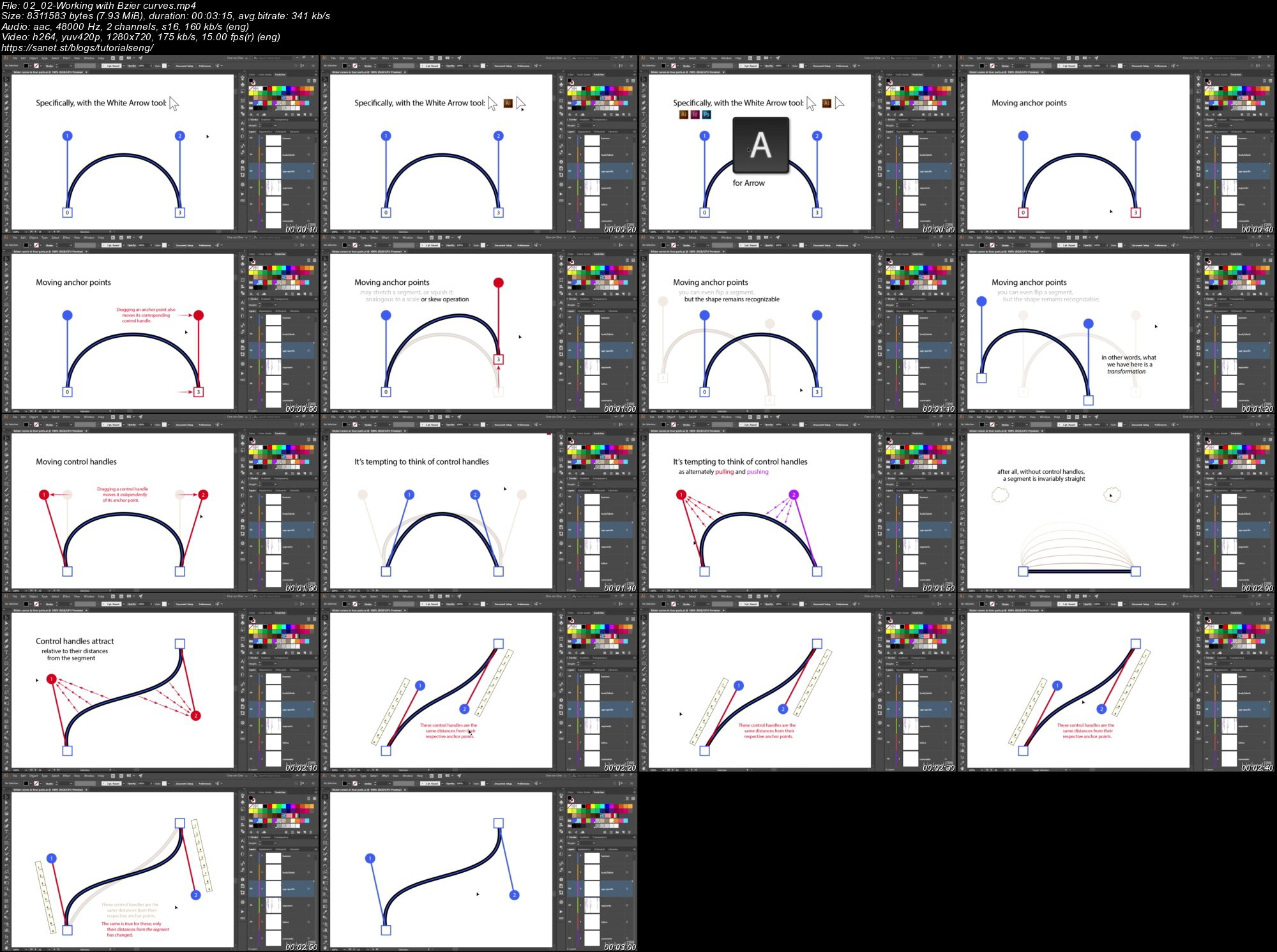
Screenshots
Quick check before we show the links
Helps us keep automated scrapers from hammering the filehosts.