PowerPoint Tips Weekly (Update 06/06/2018)
This post was published 7 years ago. Download links are most likely obsolete. If that's the case, try asking the uploader to re-upload.
MP4 | Video: AVC, 1280x720, 16:9, 15 fps, avg 271 kbps | Audio: AAC, 48.0 kHz, 128 kbps, stereo | Duration: 5 h | 915 MB
Genre: eLearning | Language: English
You may already be familiar with the basics of Microsoft PowerPoint, but there's more to a great presentation than just bullets and text. This weekly series provides quick tips that will improve the look of your slide decks and better engage your audience. Staff instructors Garrick Chow, Nick Brazzi, and Jess Stratton provide new PowerPoint tips every Wednesday, focusing on topics such as creating balance in your slides, formatting, working with photos and video, animating text and objects, and more. Plus, learn how to extend PowerPoint and connect to cloud accounts such as OneDrive and Google Drive. It doesn't matter whether you use PowerPoint for Windows, PowerPoint for Mac, or work exclusively with Office 365; these tips will help all users maximize their productivity and success with PowerPoint.
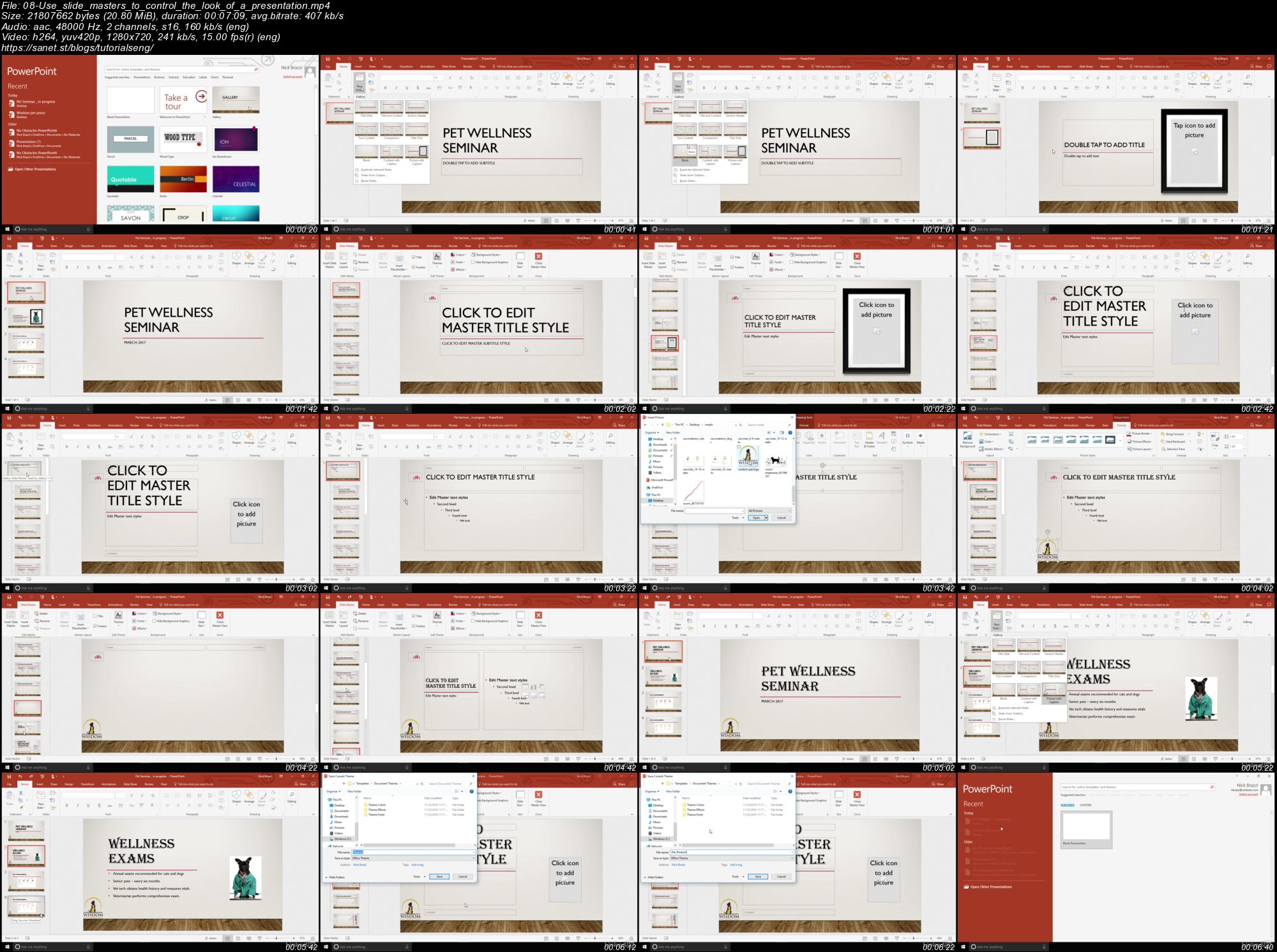
Screenshots
Quick check before we show the links
Helps us keep automated scrapers from hammering the filehosts.