Xcode 9 Essential Training
This post was published 8 years ago. Download links are most likely obsolete. If that's the case, try asking the uploader to re-upload.
MP4 | Video:1280x720 | Duration: 2h 44m | 342 MB
Genre: eLearning | Language: English | Level: Beginner
Xcode is the official IDE for macOS, iOS, watchOS, and tvOS. This tool has been popular since the first release, but Xcode 9 delivers an even easier and more efficient workflow. Follow along with instructor Todd Perkins to learn how to build your own apps with Xcode 9.
First, learn how to install Xcode and create a new project. Then find out how to edit code; leverage helpful features like the Assistant Editor, playgrounds, and snippets; and integrate version control with GitHub. Discover how to use Interface Builder, Xcode's intuitive UI design tool, to design a responsive interface that adapts to screen size, aspect ratio, and orientation changes. Todd also shows how to map application flow with storyboards, and reviews the basics of schemes and behaviors. Plus, learn how to compile and debug your code, test apps in the iOS Simulator, and submit apps for publication in the App Store directly from Xcode 9.
Topics include
What is Xcode?
Installing Xcode 9
Creating your first Xcode project
Editing code
Creating snippets
Making interface connections to code
Using Interface Builder
Creating storyboards
Pinning objects
Compiling code with the LLVM compiler
Working with schemes and behaviors
Debugging code
Sharing resources in a workspace
Using the iOS Simulator
Preparing an app to be published
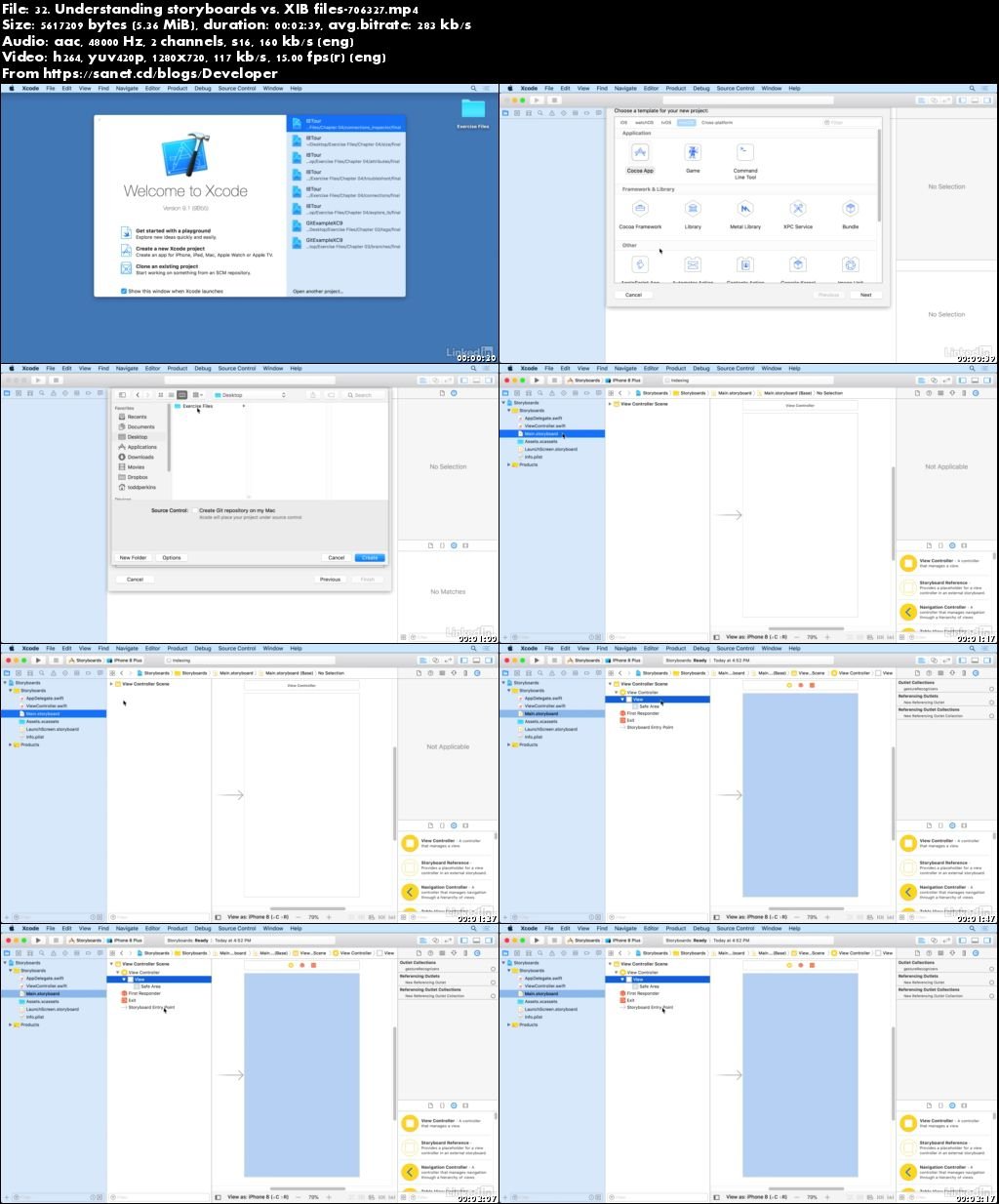
Screenshots
Quick check before we show the links
Helps us keep automated scrapers from hammering the filehosts.