ApowerMirror 1.4.6.14
This post was published 6 years ago. Download links are most likely obsolete. If that's the case, try asking the uploader to re-upload.
File Size: 92 MB
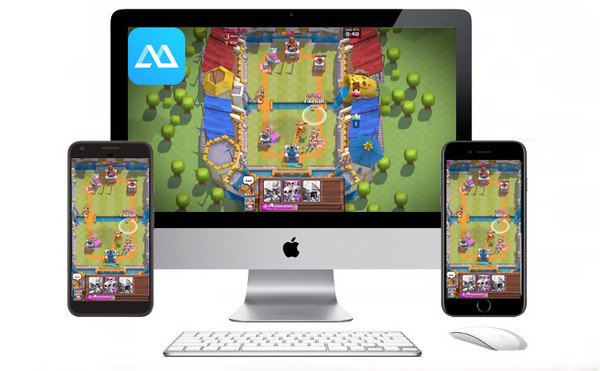
is the best tool for sharing and mirroring your phone screen with your PC. It doesn’t matter whether you use Andriod or iOS. You can easily connect your Andriod or iOS via the same WiFi on both devices or via USB connection. Once you have connected your phone with PC then you can control it via PC’s keyboard and mouse. ApowerMirror displays the phone screen like a phone layout on your PC. You can also watch video clips, play games, and enjoy other mobile phone apps.
ApowerMirror Interface is very simple and easy even for those who are new to this software. You can also connect your mobile phone within a few seconds. It also provides a bigger screen that is the best option to watch videos. It is also possible to record the phone screen and take screenshots.
With ApowerMirror Full Version, you can present office files with other team members, Students can also share projects with Classmates, and enjoy the media with your friends and family wirelessly. Furthermore, it uses a moderate amount of CPU and System Memory. Here, you can also Free Download ApowerMirror With Serial key. Also, check out its main features mentioned below.
ApowerMirror Key Features:
Connect phone and Share or Mirror screen with any computer
Displays phone’s screen on your PC’s monitor
Control the phone with the PC’s mouse and keyboard
A bigger screen with display options to play games and watch clips
Connect android devices via USB cable and Wi-Fi
Connect iOS devices only via Wi-Fi
Ability to record phone screen and take screenshots
Also, possible to sync the app data between mobile phone and PC
Added support to connect both Android and iOS with PC
What’s New:
Updates: official site does not provide any info about changes in this version
Homepage
Quick check before we show the links
Helps us keep automated scrapers from hammering the filehosts.