Vivaldi 1.1.453.52 Final (x86/x64)
This post was published 10 years ago. Download links are most likely obsolete. If that's the case, try asking the uploader to re-upload.
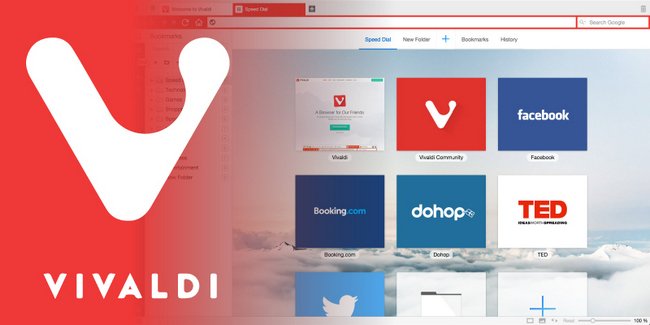
Windows Software | Vivaldi 1.1.453.52 Final (x86/x64) | 80.44 MB
Vivaldi is a browser from the founders of the original Opera Web Browser in 1994. It has an interface similar to Google Chrome. By default, you have forward, back, refresh and home keys next to the address bar. New tabs open with the simple + tab and close with the X tab. It has a tiny sidebar that has quick links to bookmarks, mail (not available yet), downloads, contacts, and notes. Towards the bottom left, just above the status bar, there is the options gear icon which would make more sense if brought up to the top right or even the sidebar where people would look for it first.
You can look at the bottom, and you will find the option to show or hide images as well as show only cached images to speed up browsing. On a web page, you’re having difficulty reading? Just slide the bar to zoom in or out and reset. Between those two features, you can go nuts changing how a page renders 15 different ways from filters, including grayscale and intensify, to 3D to fonts. This is great for anyone having difficulty reading a web page or just to have a little fun.
Vivaldi Features
Customize Everything, including the location of the browser tabs or address bars.
Adapt the Interface as you browse the web (the Vivaldi web browser’s color scheme adapts to the surroundings of the web you browse).
Tab Stacks – organize your tabs using Tab Stacks (just drag a single tab to another for easy multiple grouping).
Spatial Navigation – navigate spatially (you will get anywhere on the webpage just with the keyboard).
Page Tiling – tile pages when you want to handily compare several pages at once in your web browser.
Web Technology – Vivaldi uses JavaScript and React to create the user interface with the help of Node.js and a long list of NPM modules.
Write Notes on the Go – take notes and add screen shots of web pages while browsing right in the Notes.
Quick Commands – control everything in your browser from one place. Quick Commands lets you search through open tabs, bookmarks, history, settings and more with one single keyboard shortcut.
Always in Sync – Your bookmarks, passwords, settings securely in sync. Your bookmarks, history, passwords and settings can all be synchronised across different instances of Vivaldi browser through our encrypted Sync infrastructure.
Updates: official site does not provide any info about changes in this version.
Homepage
Homepage
