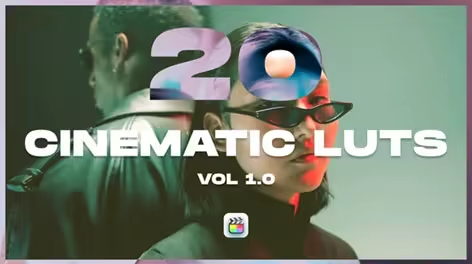
Videohive - 20 Cinematic LUTs Vol 1.0 for Final Cut Pro & Apple Motion – Color Grading Pack - 62742495
Requires Plugins No
Software Version Apple Motion 5, Final Cut Pro X
Resolution Resizable
File Size 35.6MB
Bring a cinematic look to your Mac-based editing workflow with 20 Cinematic LUTs Vol 1.0 — a professional color grading pack built for Final Cut Pro and Apple Motion users. Apply stunning, film-inspired grades in seconds directly from the Custom LUT effect, no third-party plugins needed.
What’s Included: • 20 premium .cube LUT files • Video tutorial: how to install and use the LUTs in Final Cut Pro X and Apple Motion • Compatible with Final Cut Pro 10.4.4+ and Apple Motion 5.4.4+
Key Features: • Industry-standard .cube format — native support via the Custom LUT effect • Non-destructive workflow — adjust LUT mix/intensity directly in the inspector • Cinematic color palettes: warm tones, cool tones, teal & orange, film emulation, moody grades, and more • Works seamlessly with ProRes, H.264, H.265, and log footage (Log C, S-Log, V-Log) • No plugins required — 100% native to Final Cut Pro and Apple Motion
How to Apply in Final Cut Pro: Select your clip → Effects browser → search “Custom LUT” → drag onto clip → in the Inspector, click “Choose File” and select your .cube file. Adjust the Mix slider to taste. The included video tutorial walks you through the full workflow.
How to Apply in Apple Motion: Add a Custom LUT filter to your object or group → click “Choose” in the filter parameters → select your .cube file. Full compositing flexibility with blend mode and opacity control.
Compatible With: Final Cut Pro X 10.4.4, 10.6+, Apple Motion 5.4.4+
Perfect For: Short films, wedding films, travel vlogs, YouTube content, social media reels, documentary, brand videos, music videos, and Mac-based video production workflows.
Quick check before we show the links
Helps us keep automated scrapers from hammering the filehosts.