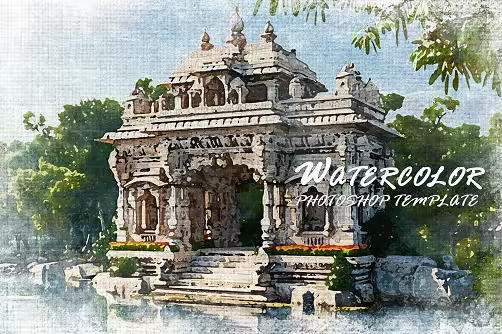
Watercolor Photoshop Template - 291481267 - GNAVPCK
PSD | 195 mb
Unleash your creativity and transform your photos into captivating artistic artwork
First, open the PSD file in Photoshop. Then open the Smart Object layer by double-clicking. Then, place your photo. After that save and close. Enjoy the result of the effect. It is very easy to use.
Included Files
1• PSD
2• Help file
Features
1• Smart Objects
2• High resolution
3• Easy to edit
4• Well layered & organized files
Download from free file storage
Quick check before we show the links
Helps us keep automated scrapers from hammering the filehosts.
Available after solving:RapidgatorDDownload
Couldn't load the links. Try again?