Dark Vision Photoshop Action 21085148
This post was published 8 years ago. Download links are most likely obsolete. If that's the case, try asking the uploader to re-upload.
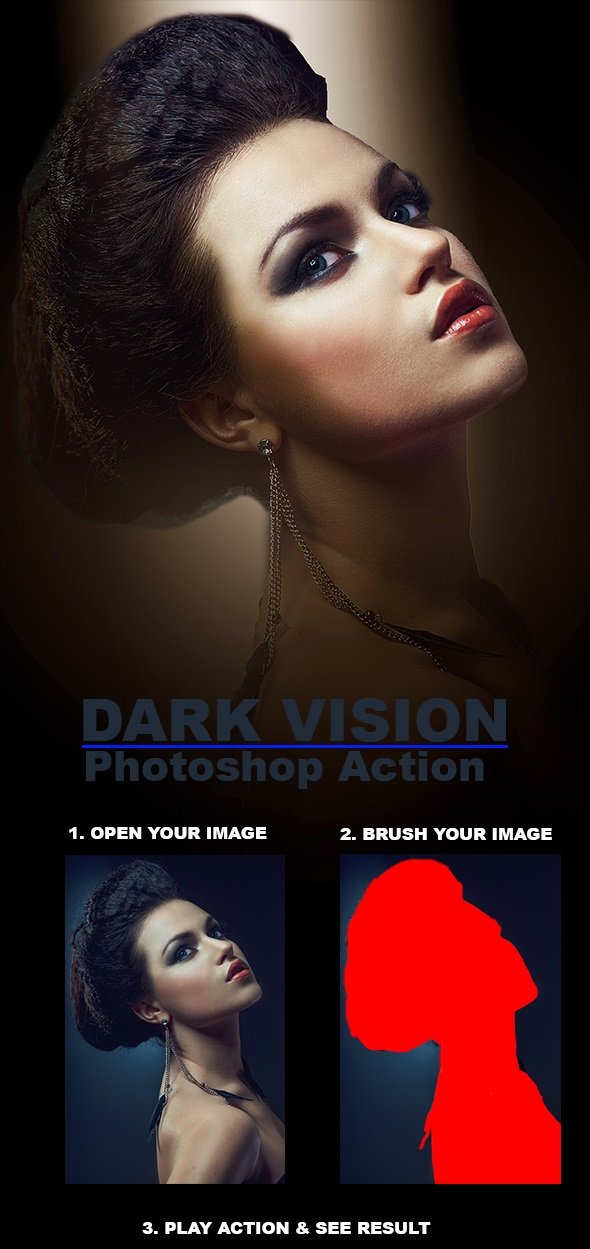
ATN | 3KB
Photoshop Configure for this Action
1. Make sure you are using the English version of Photoshop.
2. Use the RGB Mode and 8 Bits color. To check these settings, go to Image->Mode and check the “RGB color” and “8 Bits/Channel”.
3. For the best results, it is recommended to use high resolution photos in the range of 1500px – 6000px. The optimal range is from 3000px – 6000px. The detail and clarity in the effects generated by the actions reduce the smaller your photo is.
Quick check before we show the links
Helps us keep automated scrapers from hammering the filehosts.